
Shorthand for WordPress
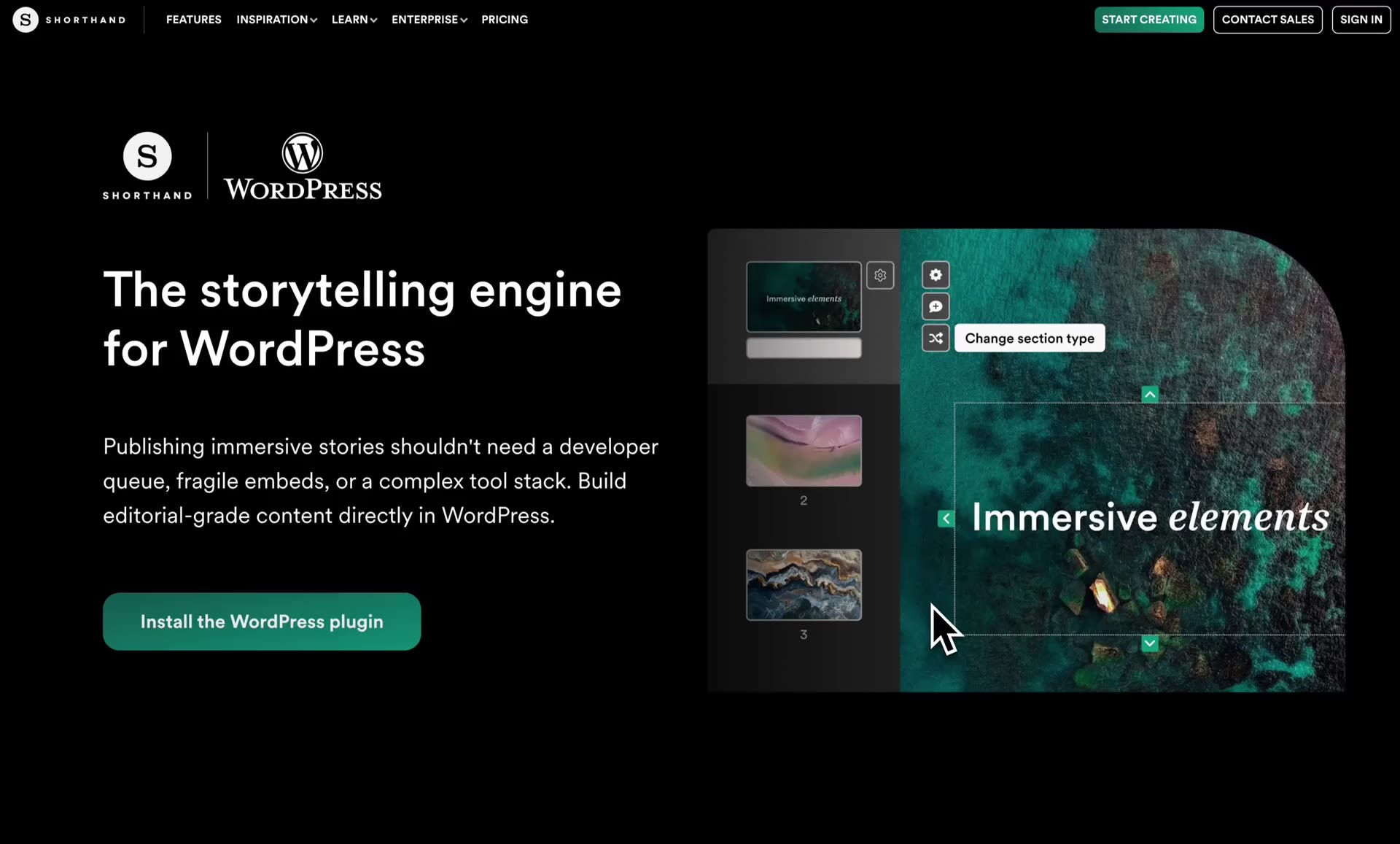
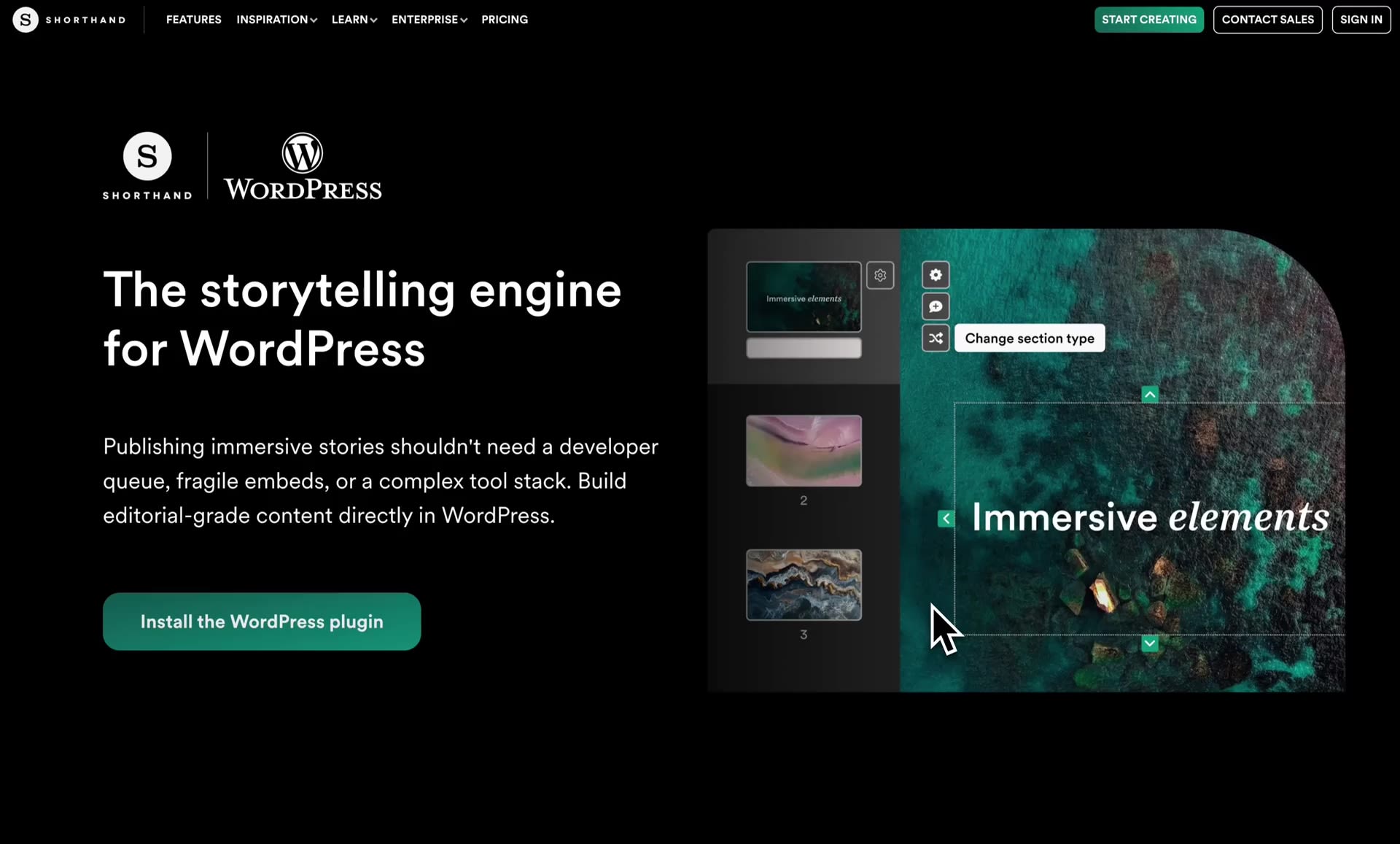
Build and publish Shorthand stories directly in WordPress. No switching between tools — just fast, seamless storytelling.
Shorthand for WordPress
Build and publish Shorthand stories directly in WordPress. No switching between tools — just fast, seamless storytelling.
Experience a better way to work in WordPress
Stay in WordPress
Create and publish in one place without clunky workflows.
Host stories natively
Publish directly to your site for faster, smoother story performance.
Ship faster
Go from draft to published with no extra steps, handovers, or delays.
Experience a better way to work in WordPress
Stay in WordPress
Create and publish in one place without clunky workflows.
Host stories natively
Publish directly to your site for faster, smoother story performance.
Ship faster
Go from draft to published with no extra steps, handovers, or delays.
Frequently asked questions
Is Shorthand for WordPress included in my existing Shorthand subscription?
Yes. Existing Shorthand customers can use Shorthand for WordPress within their current subscription.
Stories published through Shorthand for WordPress continue to use your existing story credits and plan entitlements. At present, additional Sites connected through Shorthand for WordPress do not incur additional licensing costs.
What advantages does Shorthand for WordPress have over embedding stories?
The plugin gives you a more seamless way to work. Instead of creating stories in Shorthand and then embedding them into WordPress, you can create, edit, and publish directly inside your CMS — with no switching between tools or copying embed code snippets.
It also changes how your stories are delivered. With the plugin, your story content is served directly from your WordPress site, which typically results in faster load times and a smoother on-page experience for readers. Faster load times can also be beneficial for SEO.
How is the Shorthand for WordPress plugin different to Shorthand's original WordPress plugin?
Shorthand's original plugin, available since 2016, enables you to pull completed Shorthand stories into WordPress for publishing, but only supports creation of stories in Shorthand's web app (app.shorthand.com).
The new plugin brings the Shorthand editor directly into WordPress, so you can create and publish without switching between tools.
If I'm already using Shorthand, will I be able to edit my existing stories in WordPress?
No. The plugin is designed for creating and publishing new stories directly in WordPress.
Stories created on the Shorthand platform (app.shorthand.com) can't be edited or published with the new plugin. However, Shorthand for WordPress can coexist with the original WordPress plugin and other publishing methods such as the embed flow.
Can I migrate my existing Shorthand stories and workflows to Shorthand for WordPress?
Shorthand for WordPress is designed for creating and publishing new stories directly inside WordPress.
Existing Shorthand stories and publishing workflows can continue to run alongside Shorthand for WordPress, including existing embed and plugin workflows.
There is currently no automatic migration path for existing stories, though our team can help discuss the best setup for your needs.
Is the original WordPress plugin still supported?
The original plugin is still available, and you can continue using it if it better suits your workflow.
There is no automatic migration from the old plugin to the new one.
What support is available for Shorthand for WordPress?
Shorthand's industry-leading support is available to all customers, whether they're creating in WordPress or on the Shorthand site. Get in touch with our team to discuss your needs.
You can also find up-to-date help documention on our support site.
Does the plugin auto-update as new features and improvements become available?
Yes, if you have enabled auto-updates for the Shorthand plugin, you'll always be kept on the latest version.
Is Shorthand for WordPress suitable for enterprise teams?
Yes, Shorthand for WordPress is built on Shorthand’s ISO 27001 and SOC 2–compliant infrastructure and is enterprise-ready.
What happens to my stories if I cancel my Shorthand subscription?
Stories published through Shorthand for WordPress remain published on your WordPress site even if your subscription ends.
Because stories are published directly into WordPress, there is no need to export ZIP files to preserve published content. If your subscription ends, you will no longer be able to publish updates to stories through the plugin.
Start building something beautiful
Join 5,000+ teams using Shorthand to publish immersive visual comms and content.
Start building something beautiful
Join 5,000+ teams using Shorthand to publish immersive visual comms and content.
 Built with Shorthand