
Visual timeline examples
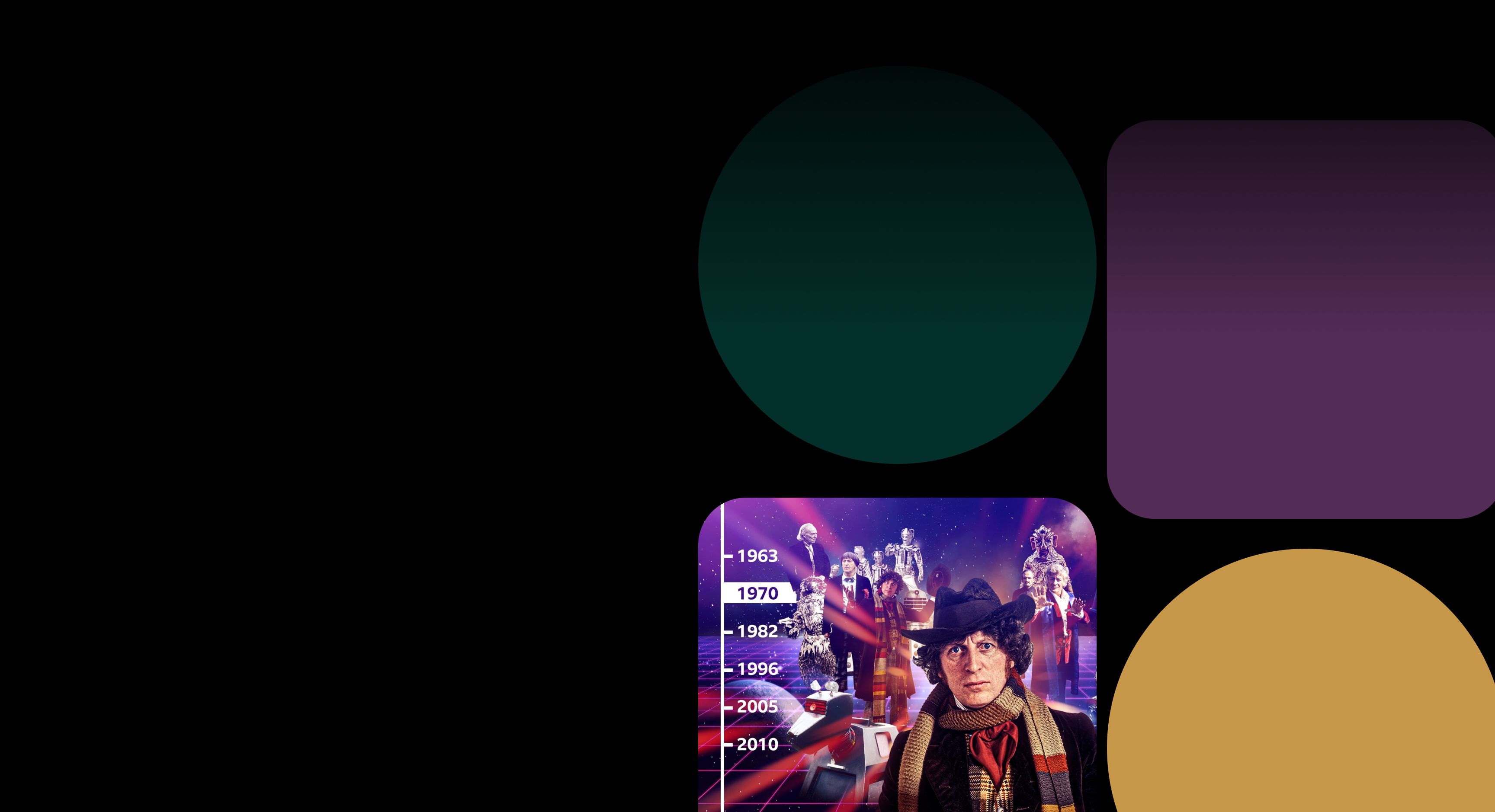
Shorthand is the simplest way to create engaging visual timelines for the web — no code or advanced design tools required. Browse these examples for inspiration.
Loved by the world's most iconic brands


Loved by the world's most iconic brands



Frequently Asked Questions: Visual Timelines with Shorthand
Why is Shorthand a great choice for building visual timelines for the web?
Shorthand makes it easy to build immersive visual timelines for the web without writing code or working with complex libraries like TimelineJS. Instead of configuring embeds or managing data sources, you can focus on shaping the story — structuring events, adding context, and bringing each moment to life with rich media.
Because timelines in Shorthand live inside a complete scrolling story, they feel more natural and engaging than standalone timeline widgets. You can combine chronology with longform narrative, imagery, video, and maps in a responsive, web-native format that’s designed to be read — not just clicked through.
What is a visual timeline?
A visual timeline presents key moments in chronological order — using narrative, design, and media to help readers follow what happened, when, and why it matters.
Why use a visual timeline?
Timelines make it easier for readers to understand what happened and how events connect. They reduce cognitive load, keep readers oriented, and encourage deeper engagement with long or complex stories.
Do you offer free templates for creating visual timelines?
Yes. Shorthand includes free, ready-to-use templates that make it easy to start building a visual timeline. They’re designed for web storytelling and give you a strong structure you can customise for your own content.
Sign up for a free account to explore the available templates, with no payment required until you’re ready to publish.
Can I include images, video, and embeds in a Shorthand timeline?
Yes. You can bring each moment to life with visuals and multimedia — including images, video, audio, maps, charts, and embeds — so readers can explore context as they scroll.
What kinds of stories work best as timelines?
Any story where sequence matters. Common use cases include investigations and explainers, company milestones, project retrospectives, biographies, product evolution, and trend reporting.
Can I customise the look and feel?
Absolutely. You can tailor layout, typography, colour, and media to match your brand — and shape the pacing of the story so the timeline feels intentional and easy to follow.
Are Shorthand timelines mobile-friendly?
Yes. Shorthand stories are responsive by default, so timelines work smoothly across desktop, tablet, and mobile.
How do I get started creating a visual timeline in Shorthand?
To get started, sign up for Shorthand and create a new story. Inside the app, you’ll find free, ready-to-use templates that make it easy to build your first visual timeline — then customise it with your own content, media, and structure.
Ready to try the digital publishing platform used by the BBC, Honda, and Manchester City F.C.?
Shorthand is the simplest way to craft engaging visual stories for the web. Build captivating visual timelines, interactive maps, data stories, and more — no code required.

Ready to try the digital publishing platform used by the BBC, Honda, and Manchester City F.C.?
Shorthand is the simplest way to craft engaging visual stories for the web. Build captivating visual timelines, interactive maps, data stories, and more — no code required.


 Built with Shorthand