


Introducing Shorthand for WordPress
Create immersive, editorial-grade stories directly in WordPress

Introducing Shorthand for WordPress
Create immersive, editorial-grade stories directly in WordPress
We're launching a simpler workflow for creating high-impact stories in WordPress.


by Ben Ice
by Ben Ice
Most teams creating editorial stories in WordPress face the same trade-off: stay within the limits of the CMS, or piece together richer experiences using embeds, custom code, and external tools.
That’s why today we’re introducing Shorthand for WordPress.
Now, teams can build immersive, multimedia stories directly inside WordPress with the Shorthand editor — without relying on fragmented workflows or code.
Why storytelling in WordPress has been hard — until now
WordPress powers over 40% of the web and underpins many news and brand publications. But while it excels at digital publishing, it isn’t designed for rich, multimedia storytelling.
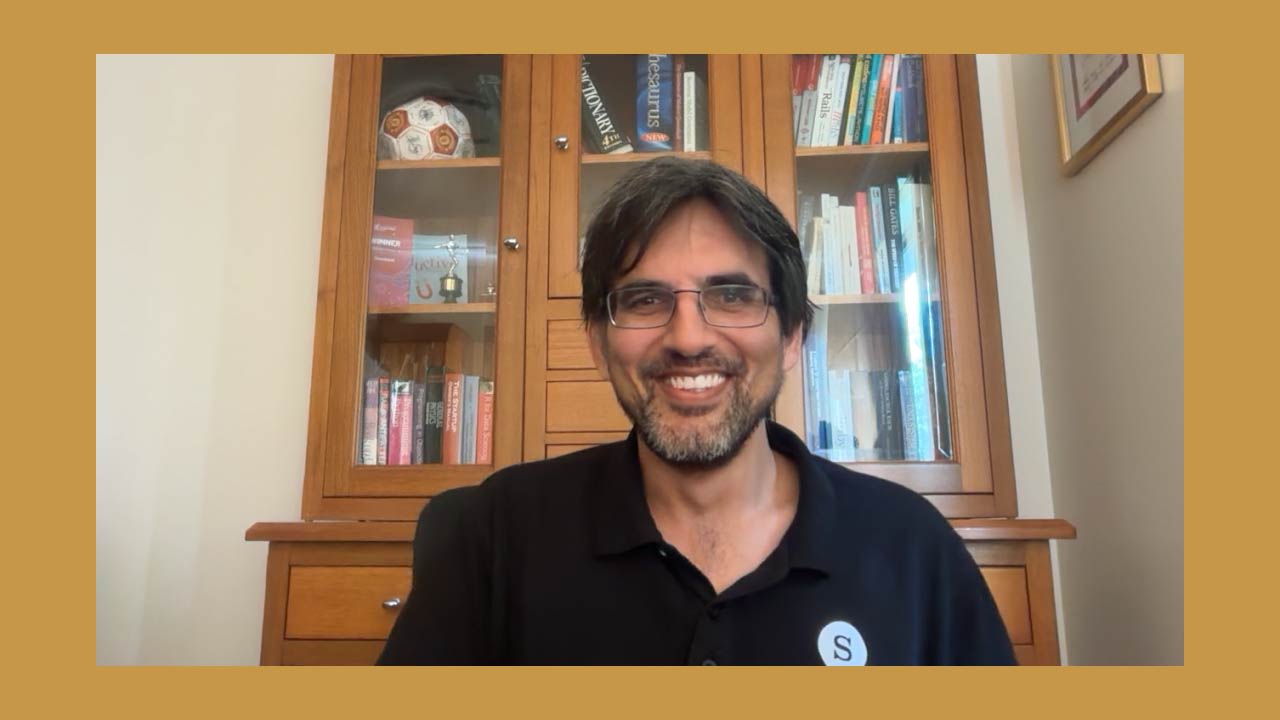
Shorthand CEO Ricky Robinson on the tools for high-end editorial stories and beautiful brand publishing
Shorthand CEO Ricky Robinson on the tools for high-end editorial stories and beautiful brand publishing
Most teams publishing in WordPress rely on a mix of tools:
- The WordPress block editor (Gutenberg) for basic layouts, though it isn’t built for longform storytelling
- Page builders like Elementor or WPBakery, designed for landing pages rather than editorial features
- Embeds from tools like Datawrapper, Flourish, and JavaScript libraries for advanced visualisations and interactivity
These approaches can work, but they add friction to team workflows. They also limit what teams can create — especially without developer support.
That’s the gap we set out to solve.
“We saw teams either working within the limits of WordPress, or building richer stories elsewhere and stitching them back in. It’s just a much nicer experience if you can live within WordPress.”
Bringing the Shorthand editor into WordPress
For over a decade, teams have used Shorthand to create feature stories, digital magazines, and high-end reports — building immersive experiences and embedding them into their websites.
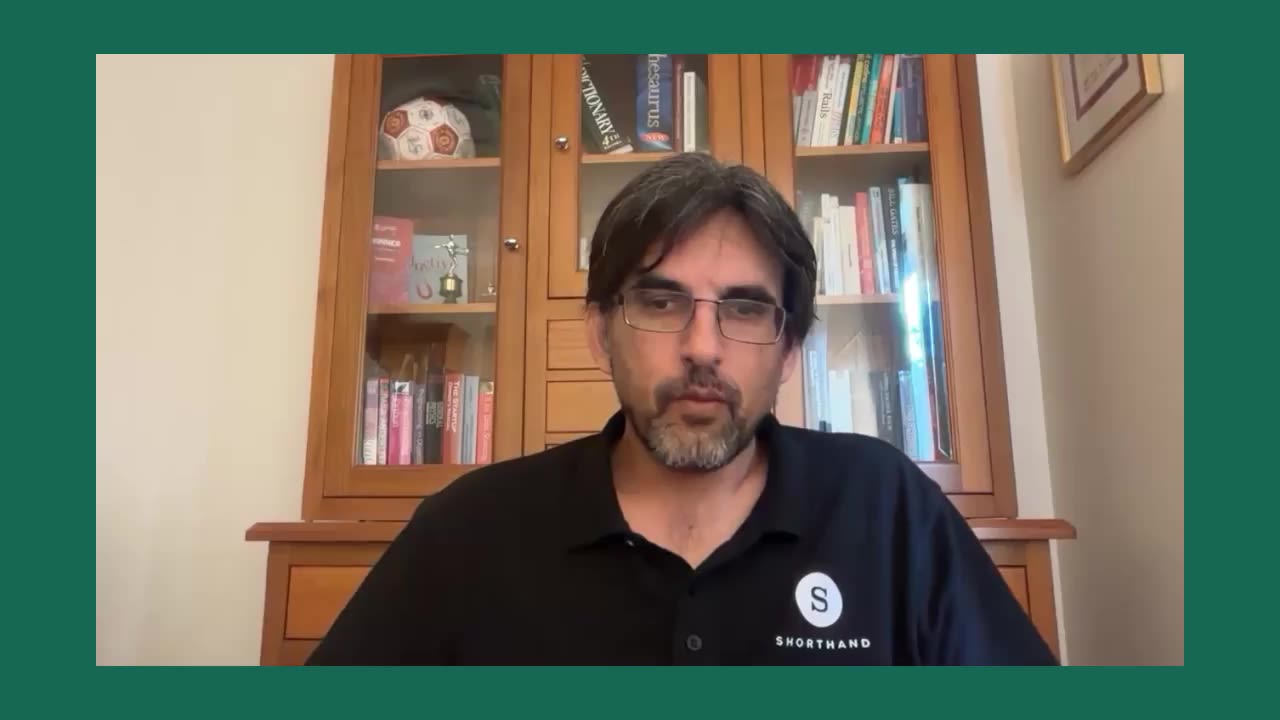
The Shorthand for WordPress workflow
The Shorthand for WordPress workflow
Today's launch changes how Shorthand stories are created and published in WordPress.
Instead of switching between tools, the Shorthand editor now sits directly inside WordPress. From there, stories come together using Shorthand’s templates, storytelling features, and AI Creative Companion.
That means you and your team can:
- Create immersive editorial stories without leaving WordPress
- Publish directly to your site with a faster, more streamlined workflow

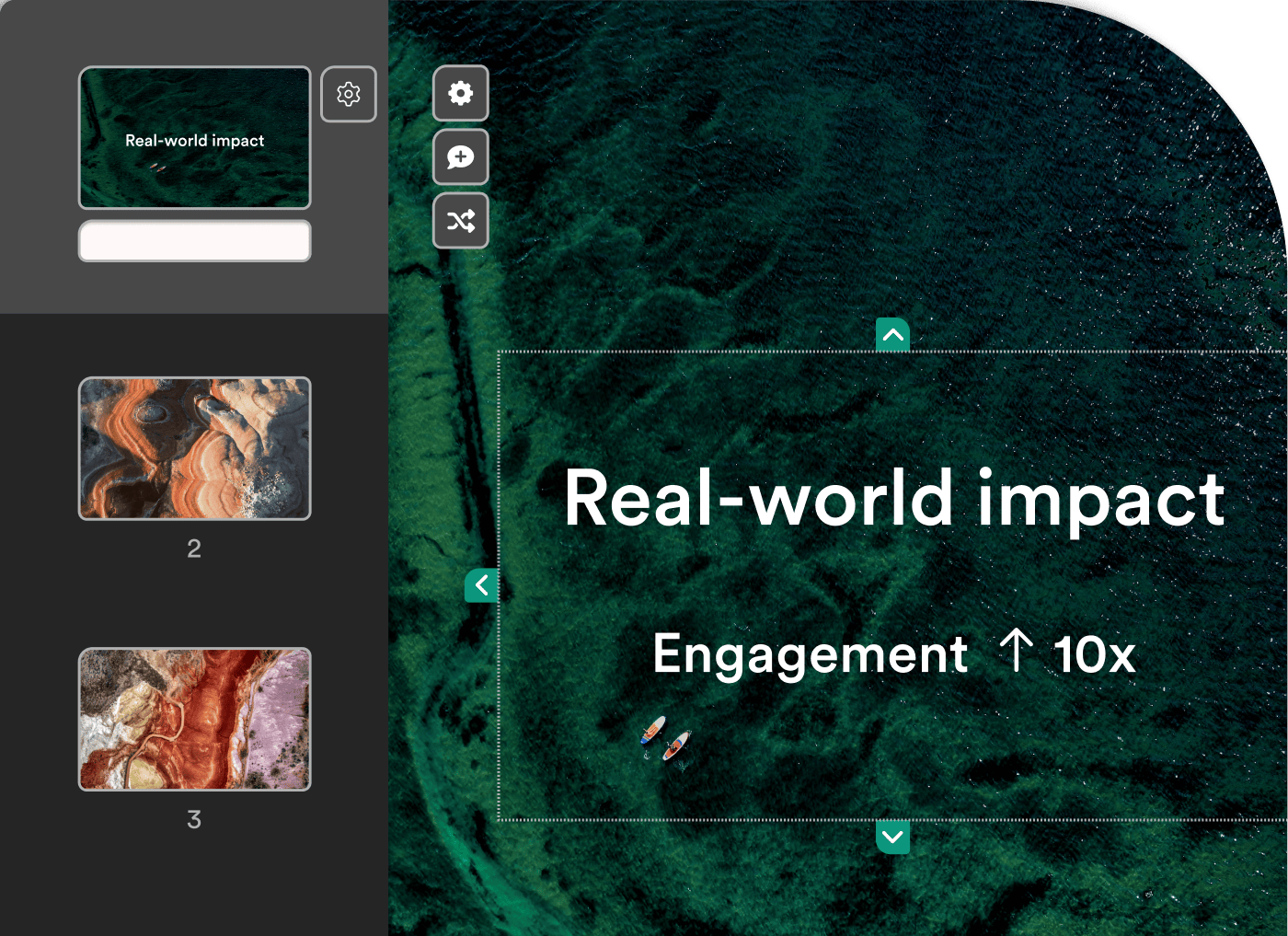
Real-world results
Teams using Shorthand with WordPress see up to 10× higher audience engagement, dramatically less developer time spent on one-off builds, and stories published faster with fewer blockers.
Editorial, design, and web ops teams collaborate in a single workflow, without friction.
Enterprise-level security, in one place
On top of the simpler workflow, there are operational benefits — especially for organisations that want clearer governance around the tools their teams use.
“For IT teams, it makes it easier to have some governance over the software and the flow you’re using because it’s sitting within WordPress,” Ricky says.
“You’re not having to audit signups and logins on this third-party tool.”
Shorthand for WordPress provides enterprise-grade security
Shorthand for WordPress provides enterprise-grade security
Beautifully simple storytelling, made simpler with AI Creative Companion
Shorthand for WordPress brings more than Shorthand’s tools, templates, and security into the WordPress editor. It also brings AI Creative Companion.
Accelerating your workflows with Shorthand's AI Creative Companion
Accelerating your workflows with Shorthand's AI Creative Companion
“You don’t have to be an expert in where all of the different settings are within the Shorthand editor,” says Ricky. “You can just ask what you want.”
Want a column of text over background scrolling images? “The Creative Companion will figure out you mean a Reveal section.”
That means users can get strong results without needing to master every detail of the interface.
For existing users, that means a faster and more intuitive workflow inside WordPress. For newer users, it lowers the barrier to creating polished stories.
“That side of things is getting really exciting,” Ricky says. “Creative Companion is getting better and better every week.”
We’re here to help you get started
Shorthand’s support team is ready to help users make the switch.
Installing the new Shorthand plugin into WordPress is straightforward, but there can still be a setup phase, especially when IT or security teams are involved.
That is why Shorthand is offering support through onboarding and installation.
“We would love to guide your team through that initial onboarding step and that initial installation step. It’s an easy process, but it can often mean checking the boxes with the IT team around security.”
We’re here to help you get started
Shorthand’s support team is ready to help users make the switch.
Installing the new Shorthand plugin into WordPress is straightforward, but there can still be a setup phase, especially when IT or security teams are involved.
That is why Shorthand is offering support through onboarding and installation.
“We would love to guide your team through that initial onboarding step and that initial installation step. It’s an easy process, but it can often mean checking the boxes with the IT team around security.”
 Built with Shorthand